
How Much RAM Do I Need for My Laptop?
The right amount of RAM depends on how you use your laptop. For many users, 8GB can handle basic tasks, while 16GB provides more room for multitasking and demanding applications.
Reviewed on November 2, 2026 · Editorial review process
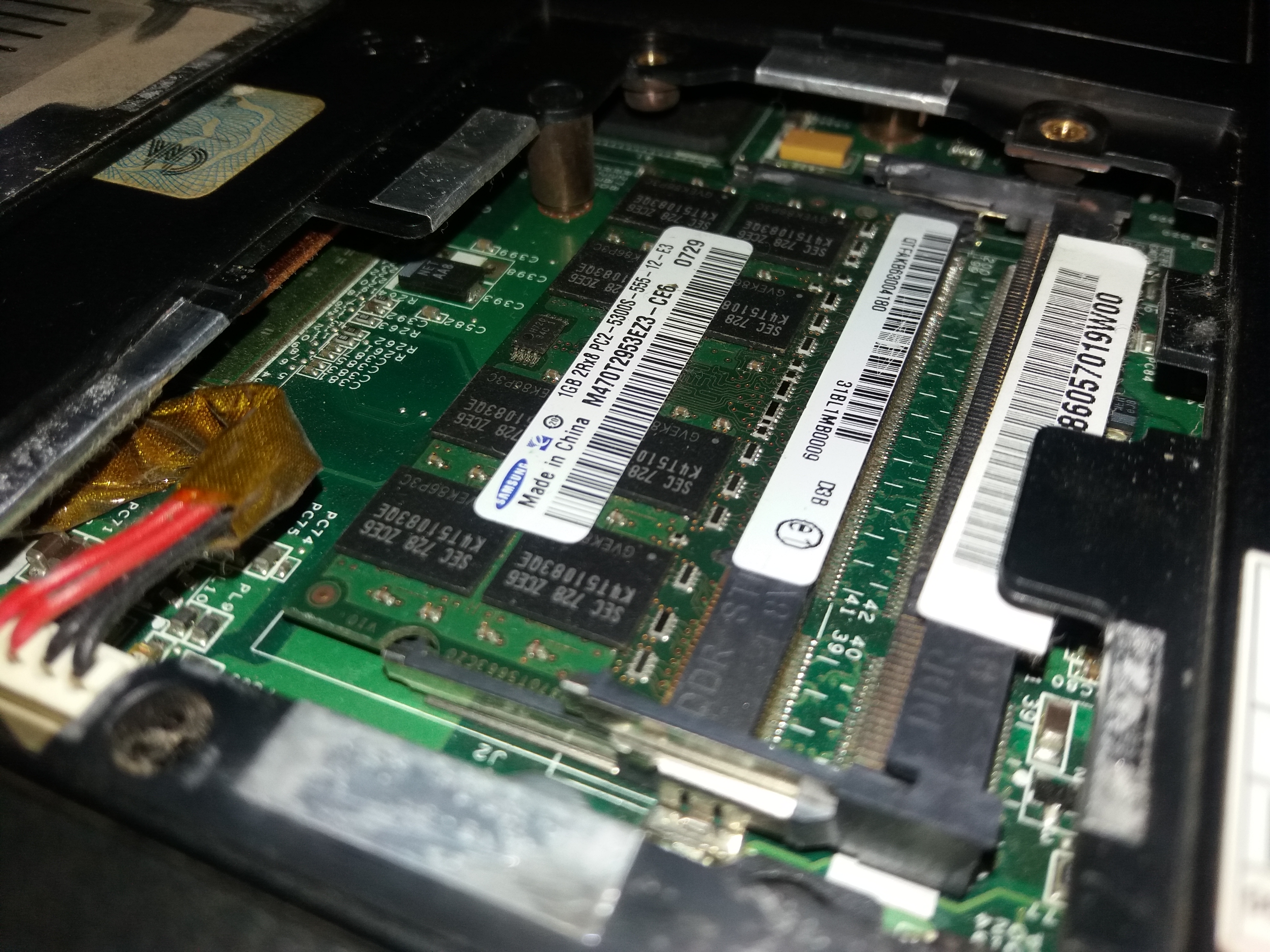
Image: Donald Sepeng · CC BY-SA 4.0
Quick answer
There is no single RAM amount that fits every workload. For web browsing, documents, and streaming, 8GB may be sufficient for many users; photo or video editing and other demanding projects can benefit from 16GB or more. Check the requirements of your own applications and your laptop's upgrade limits before deciding.
How much RAM do you need?
Related reading: Can I Upgrade My Laptop RAM? · How to Check the Maximum RAM Supported by Your Laptop
| RAM | Typical use | Experience |
|---|---|---|
| 4GB | Very light browsing and basic tasks | Limited multitasking |
| 8GB | Web browsing, office work, streaming | Can suit lighter everyday workloads; check application needs |
| 16GB | Productivity, multitasking, development, gaming | More headroom for demanding applications and multitasking |
| 32GB+ | Professional workloads, large projects, virtual machines | Useful for demanding workloads |
Is 4GB RAM enough?
4GB of RAM is very limited for modern laptop use. It may be enough for simple tasks, but opening multiple browser tabs or applications can quickly consume available memory.
If your laptop supports a memory upgrade, moving beyond 4GB can make everyday multitasking more comfortable.
Is 8GB RAM enough?
8GB can be sufficient for basic productivity, web browsing, document editing, video streaming, and other everyday tasks.
However, if you frequently keep many browser tabs and applications open at the same time, you may benefit from having more memory.
Is 16GB RAM better?
16GB provides more headroom for multitasking and demanding applications. It can be a practical target for users who work with larger applications, development tools, creative software, or games.
Whether your particular laptop can reach 16GB depends on its hardware design, memory slots, onboard memory, and documented maximum capacity.
Who needs 32GB or more?
32GB or more can be useful for demanding workloads such as large development projects, virtual machines, professional creative applications, large datasets, and other memory-intensive tasks.
More RAM is not automatically better for every user. The useful amount depends on the applications you run and how much memory they actually require.
Can every laptop be upgraded to more RAM?
No. Some laptops have upgradeable SO-DIMM memory, while others use soldered memory or have a combination of onboard memory and upgradeable slots.
The maximum supported capacity can also vary between configurations of the same laptop model.
Related reading: Can I Upgrade My Laptop RAM? · How to Check the Maximum RAM Supported by Your Laptop
Check your specific laptop
Instead of guessing, use our compatibility checker to see documented RAM upgrade information for your laptop model.
Bottom line
For web browsing, documents, and streaming, 8GB may be enough for many users. Photo and video editing or other demanding projects can benefit from 16GB or more. Treat these as starting points rather than guarantees: application requirements and the laptop's own memory design determine the right choice.
The most important step is checking what your specific laptop actually supports. Laptop Upgrade Checker can help you find documented RAM compatibility for supported models.
Choose RAM based on your real workload, not a universal number
There is no single RAM capacity that is ideal for every laptop owner. Treat capacity ranges as planning guidance, then check the memory use of the applications you actually run. Operating-system requirements are minimums or broad recommendations, not guarantees of a smooth experience with every workload.
A practical way to decide is to open your usual browser tabs and applications, then observe Memory usage in Task Manager while you work. Repeat the check during a busy session. If memory pressure is consistently high and the laptop supports an upgrade, compare the cost of adding capacity with the demands of your software.
Also account for memory reserved for integrated graphics and other hardware. The amount available to Windows and applications can be lower than the installed capacity. On laptops with soldered or partially soldered memory, choose the capacity at purchase carefully because it may not be possible to change later.
Related reading: RAM vs SSD: What's the Difference and Which Upgrade Should You Choose?
- Check the recommended memory requirements for the specific applications or games you use.
- Measure usage during your normal workload rather than immediately after startup.
- Confirm whether the laptop uses upgradeable modules, soldered memory, or a hybrid layout.
- Leave room for future workloads only when the laptop and your budget justify it.
Check your specific laptop
Use our compatibility checker to find documented RAM and SSD upgrade information for your laptop model.
Check My LaptopRelated guides
Can I Upgrade My Laptop RAM?
Find out how to check whether your laptop RAM is upgradeable and what limitations you should look for.
Read guide →RAMHow to Check the Maximum RAM Supported by Your Laptop
Learn how to find your laptop's maximum supported RAM using Windows, manufacturer specifications, and hardware documentation.
Read guide →RAM & SSDRAM vs SSD: What's the Difference and Which Upgrade Should You Choose?
Understand the difference between RAM and SSD storage, how each affects laptop performance, and which upgrade may help your specific needs.
Read guide →Sources and further reading
Technical details can vary by laptop configuration. Use these manufacturer and platform references alongside the service manual for your exact model.
- All about computer memoryMicrosoft Support
- Tips to improve PC performance in WindowsMicrosoft Support