
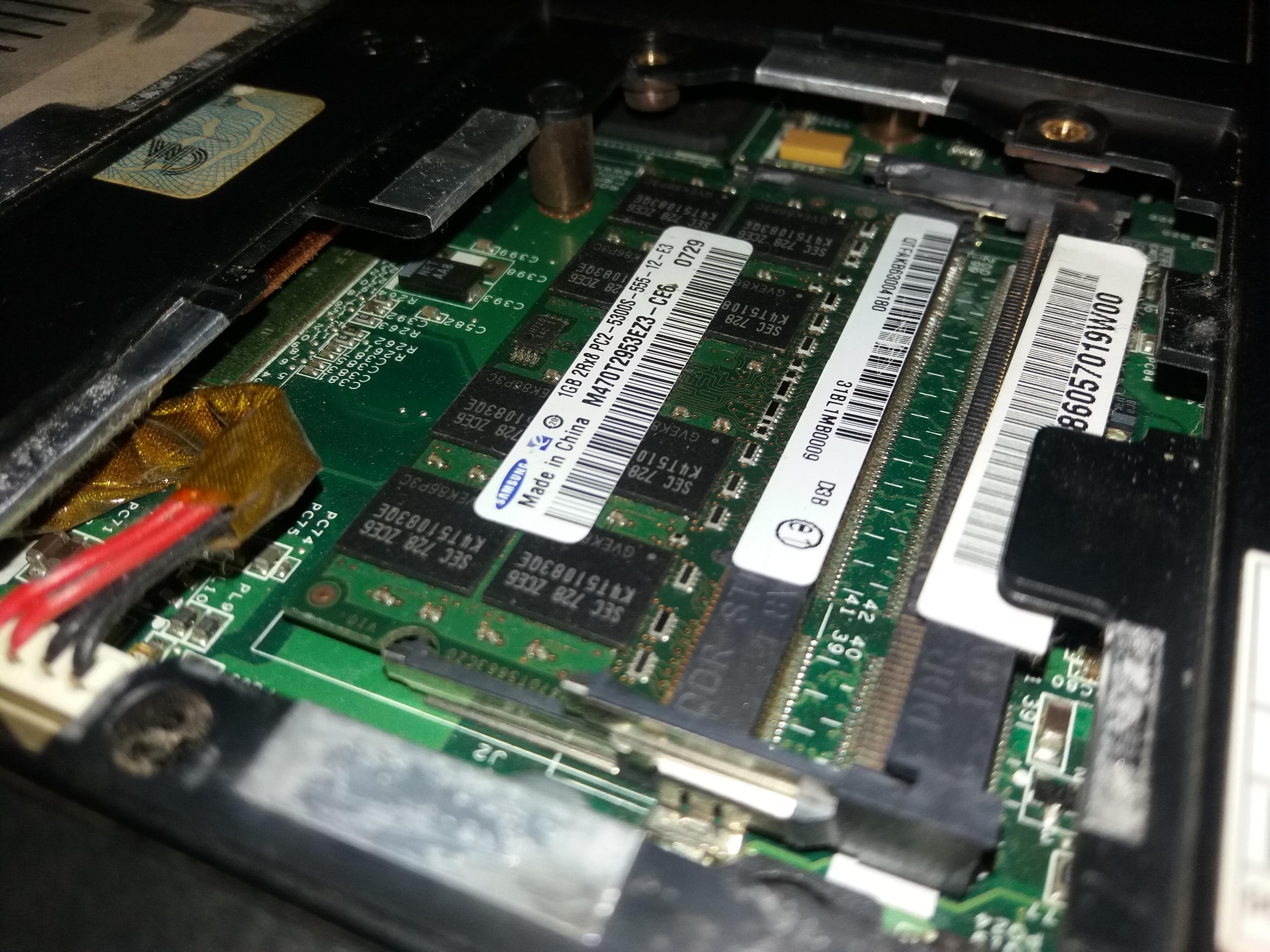
RAM
How Much RAM Do I Need for My Laptop?
Learn how much RAM you need for everyday tasks, productivity, gaming, and heavier workloads.
Read guideTips & Guides
Learn about laptop RAM, SSD storage, compatibility, and hardware upgrades with practical guides designed to help you make informed upgrade decisions.
Learn how much RAM you need for everyday tasks, productivity, gaming, and heavier workloads.
Read guide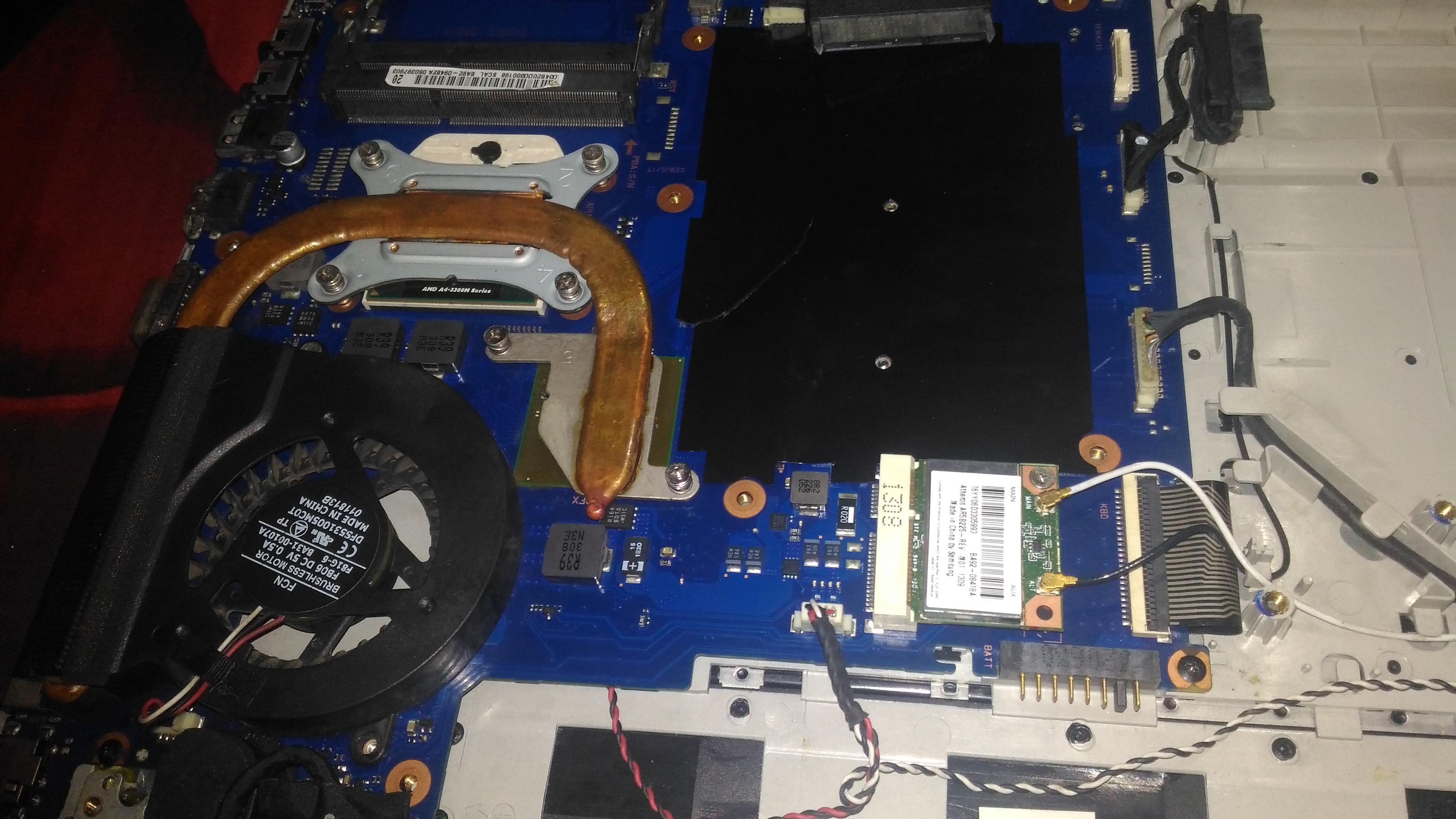
Find out how to check whether your laptop RAM is upgradeable and what limitations you should look for.
Read guide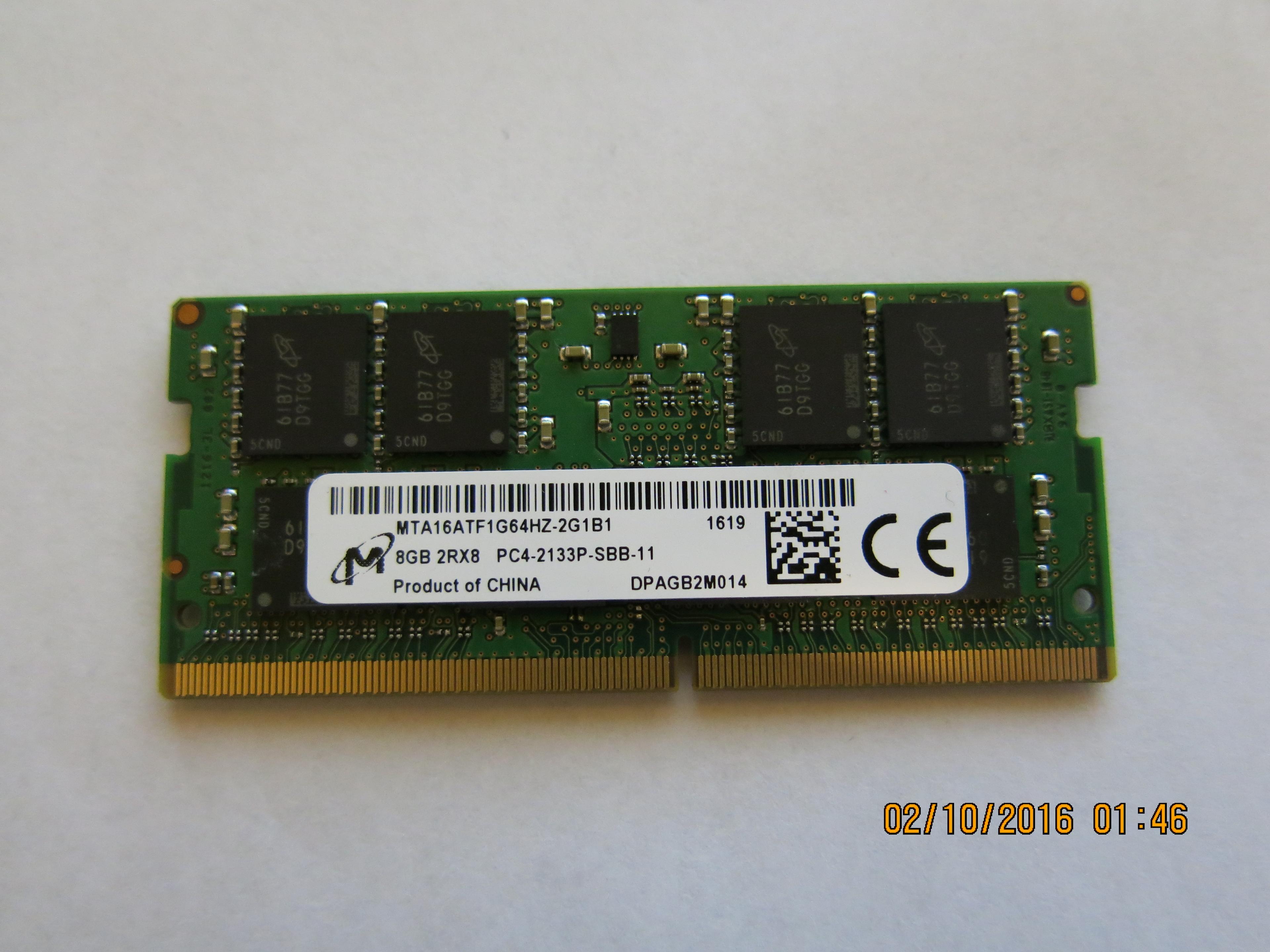
Learn how to find your laptop's maximum supported RAM using Windows, manufacturer specifications, and hardware documentation.
Read guide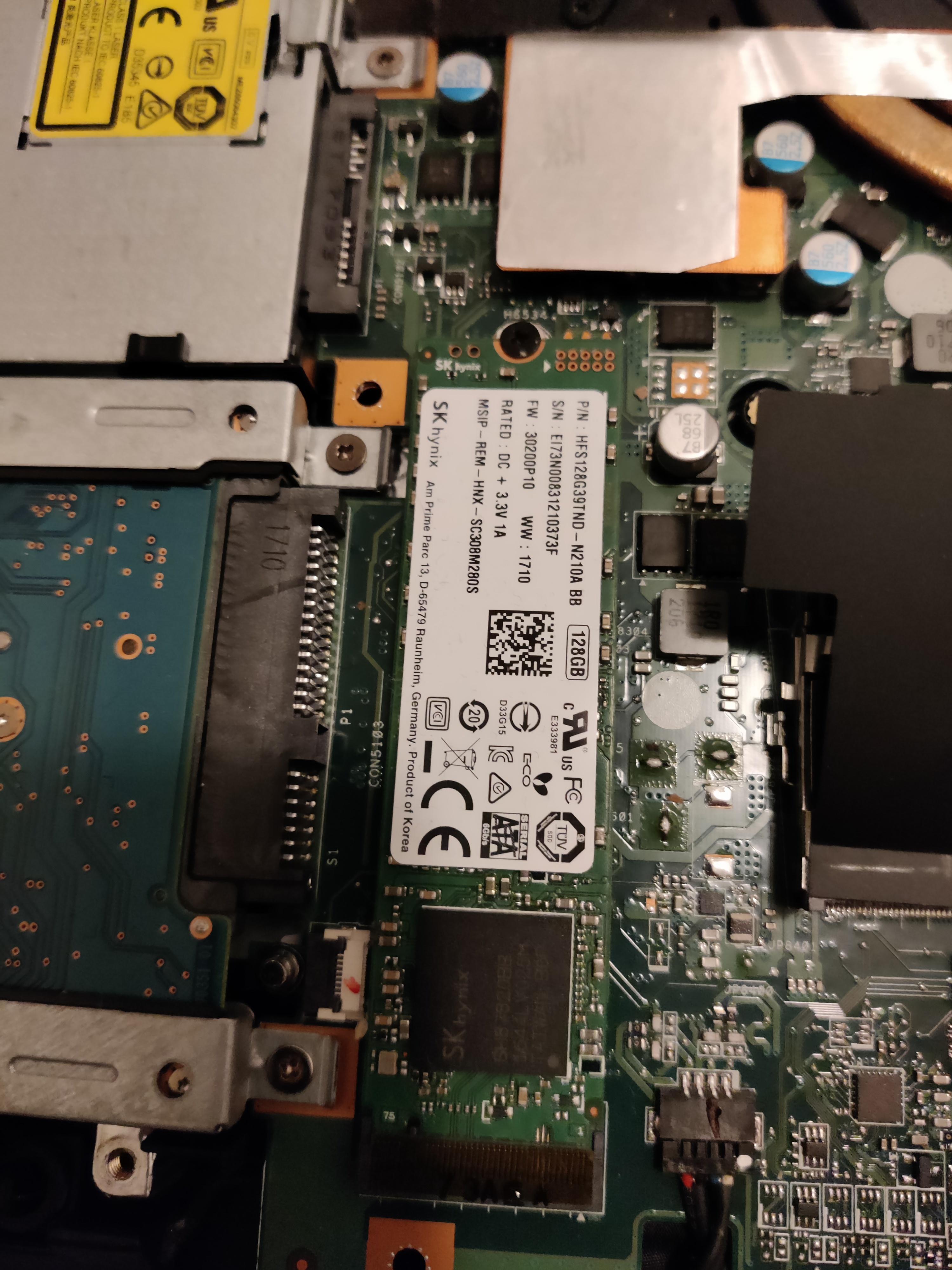
Understand the difference between RAM and SSD storage, how each affects laptop performance, and which upgrade may help your specific needs.
Read guide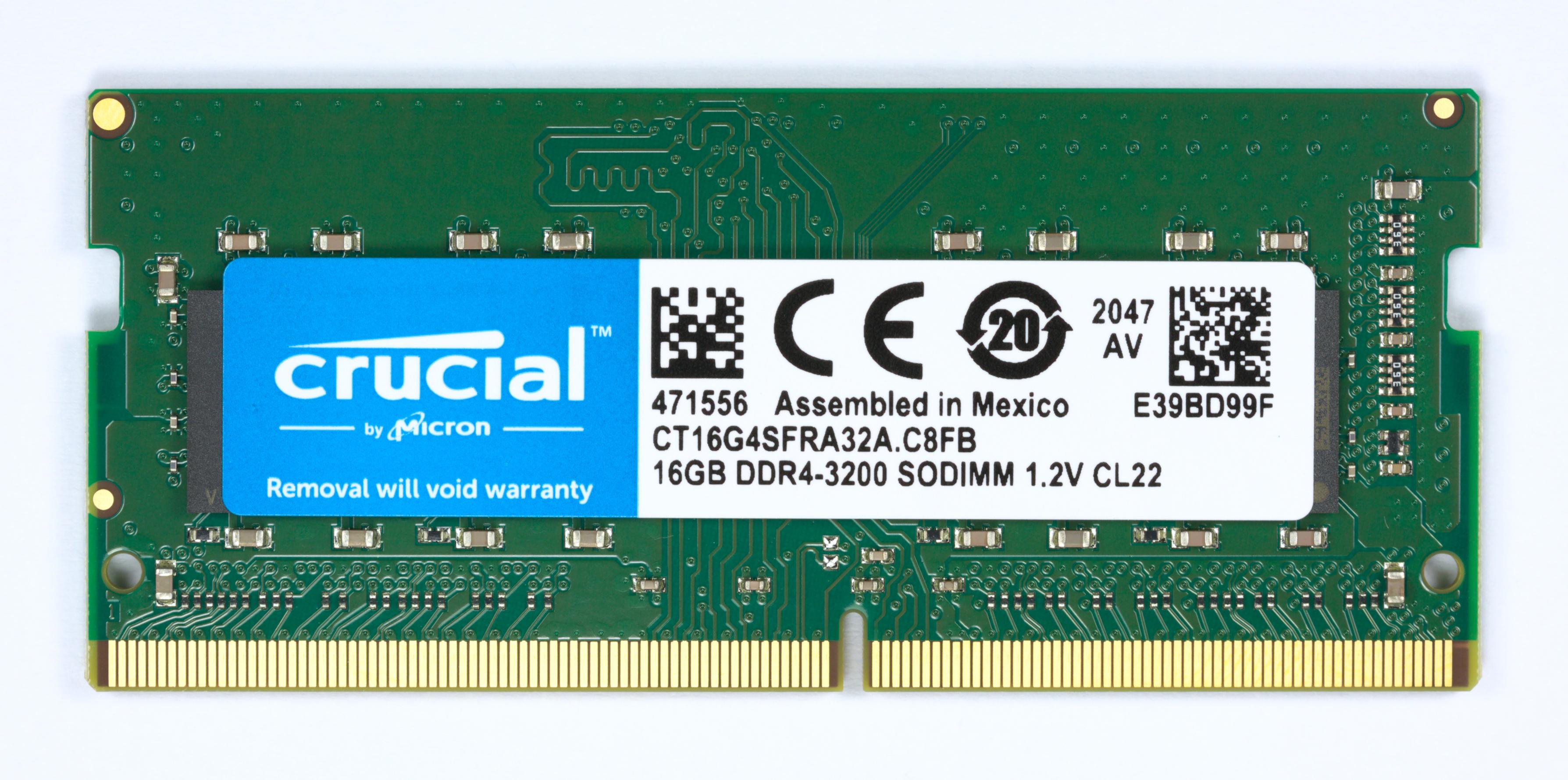
Compare DDR4 and DDR5 laptop RAM, understand why they are not interchangeable, and learn how to identify the memory type your laptop supports before upgrading.
Read guide
Find out when faster laptop RAM will work, why it may run below its advertised speed, and what to check before upgrading.
Read guide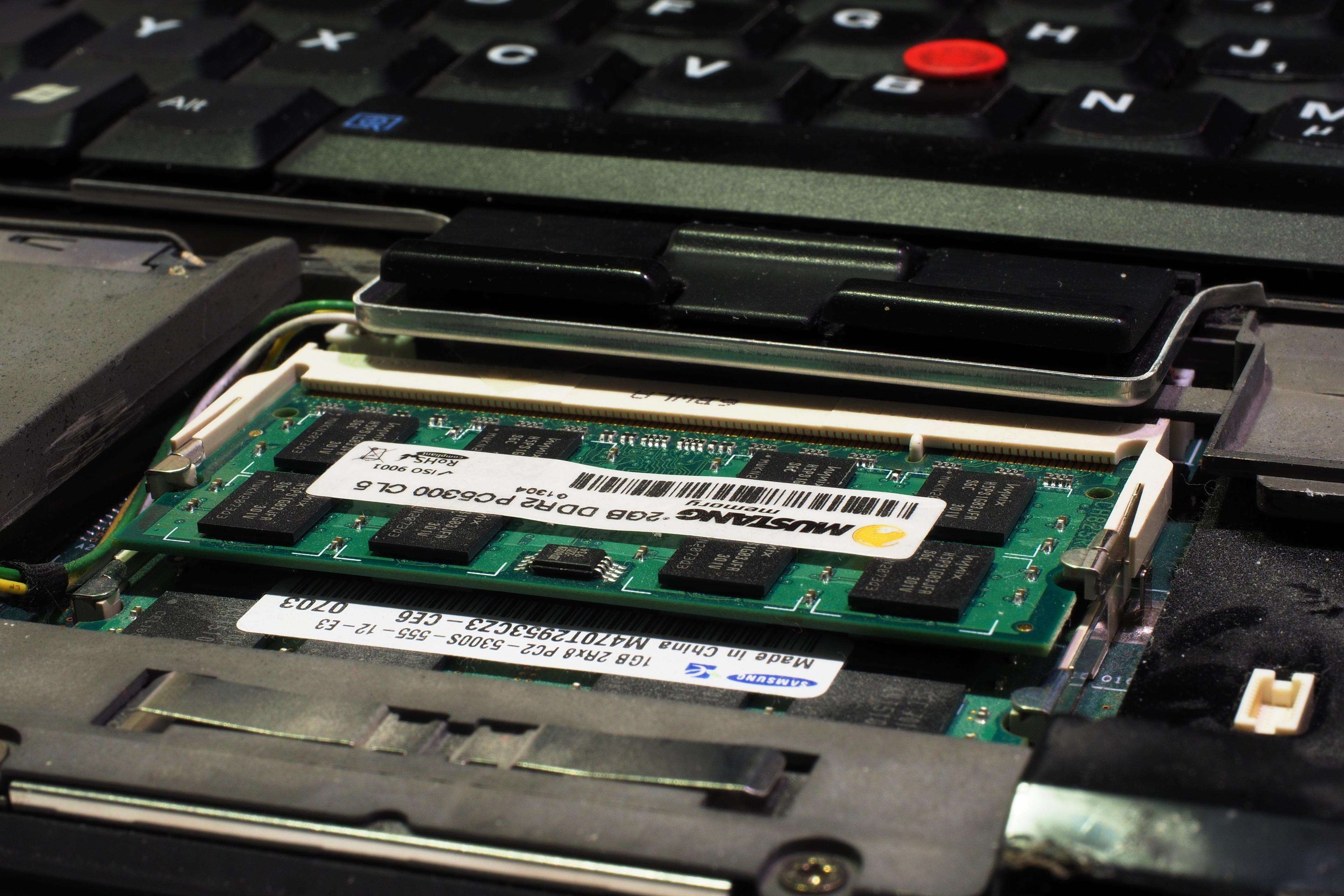
Understand how single- and dual-channel laptop memory affect bandwidth, gaming, and upgrades, and whether 1x16GB or 2x8GB is better.
Read guide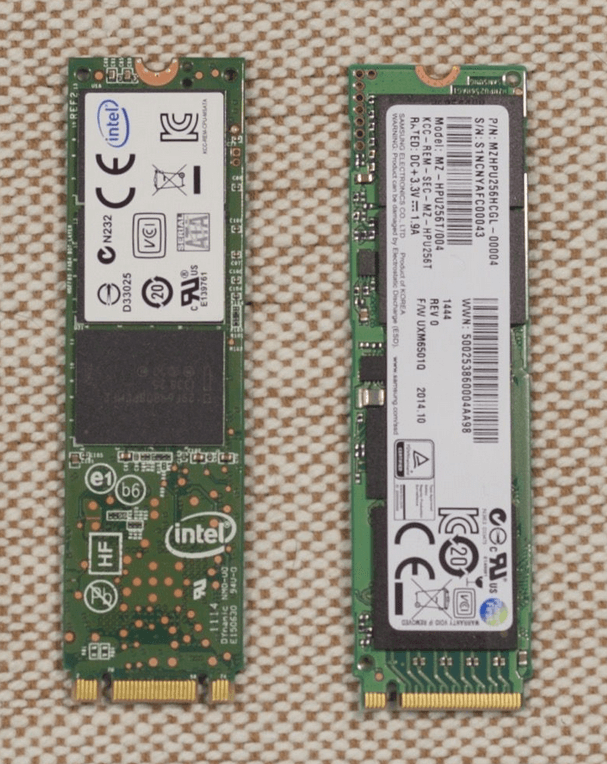
M.2 SATA and NVMe SSDs can look similar but use different interfaces. Learn the speed, compatibility, and laptop checks to make before buying.
Read guide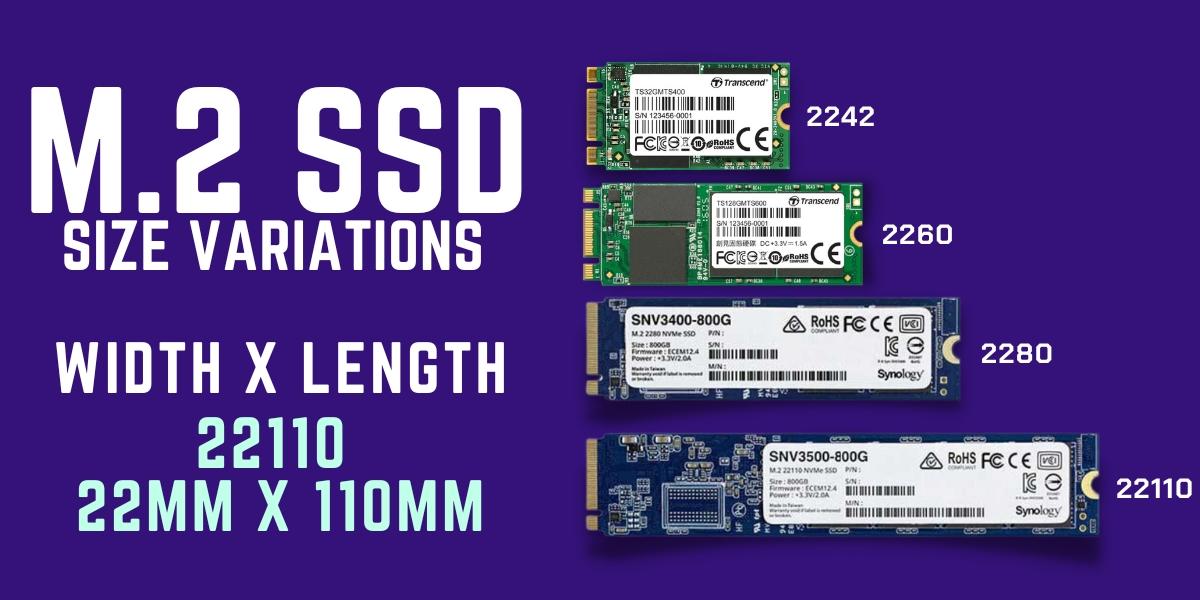
Compare 2242 SSD vs 2280 and M.2 2230 dimensions, PCIe Gen 4 vs Gen 5 speeds, and laptop mounting compatibility before buying an internal NVMe SSD.
Read guide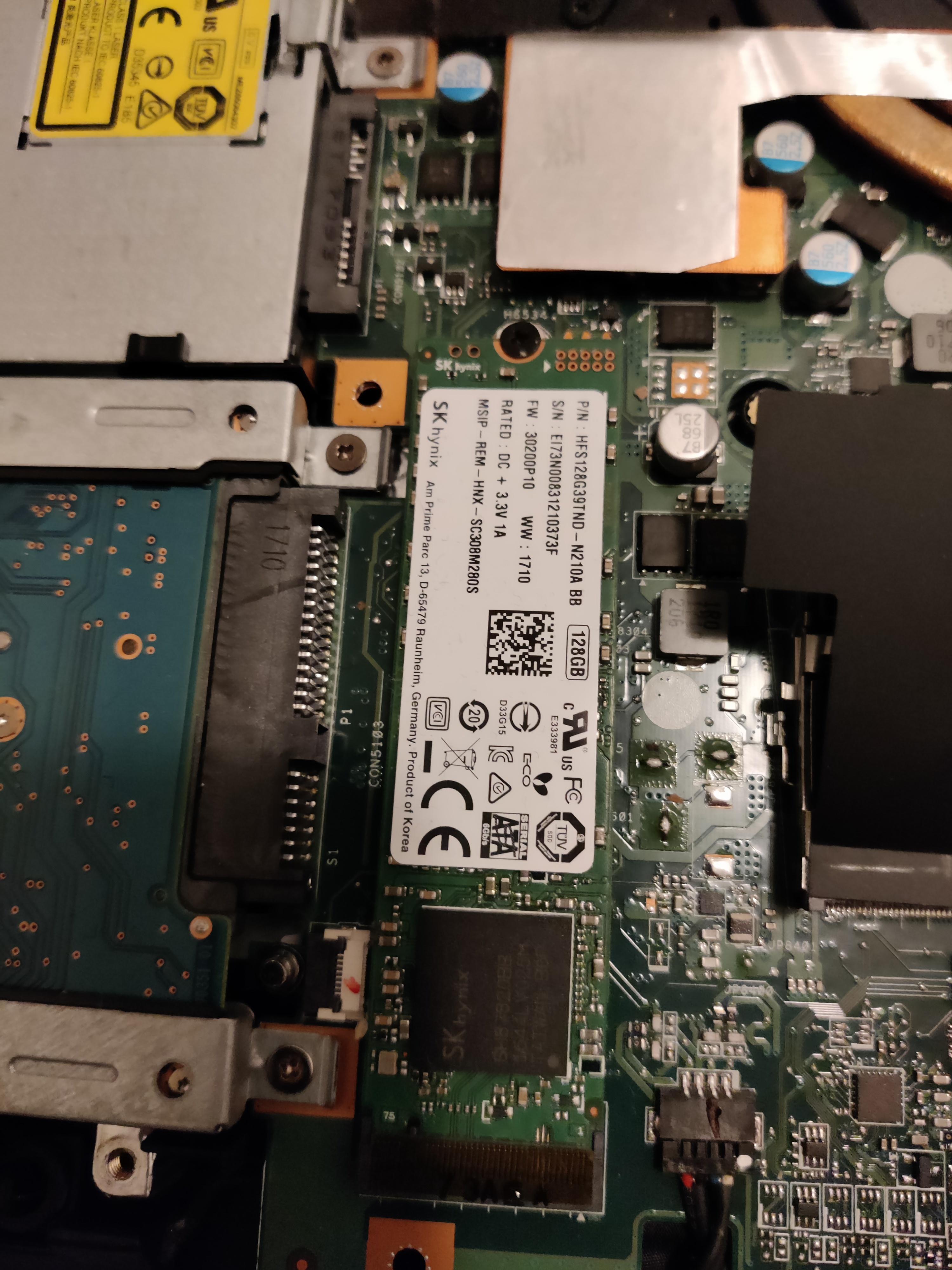
Find out whether your laptop has room for a second SSD, how to identify a free storage slot or bay, and what alternatives you have.
Read guide
Find out whether your laptop has a spare, SSD-capable M.2 slot (2230, 2242, or 2280) and verify NVMe vs. SATA compatibility before buying a second drive.
Read guide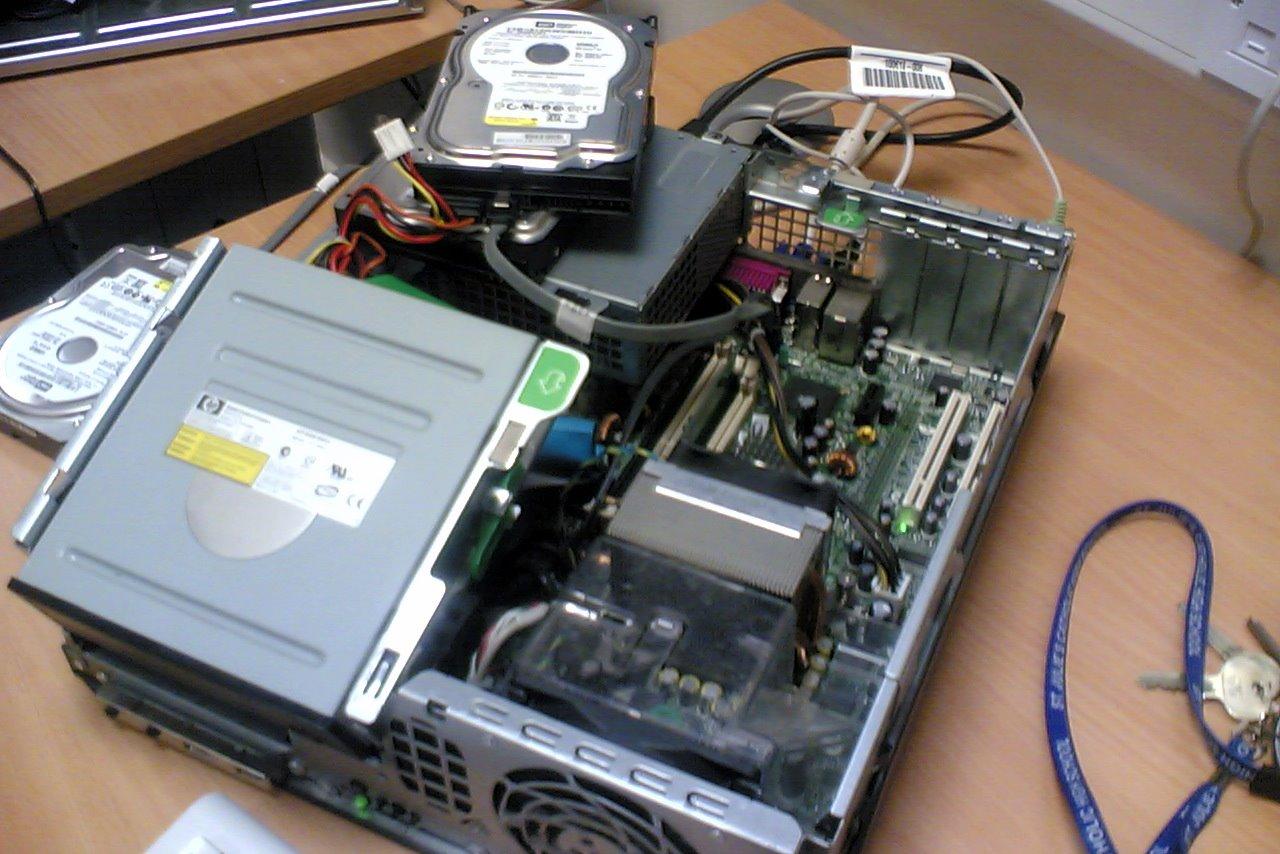
Learn how to migrate Windows to a new SSD, install the cloned drive, and verify that your laptop boots before retiring the old drive.
Read guide
Troubleshoot a new SSD that is missing from BIOS, Windows Disk Management, or File Explorer without risking existing data.
Read guideFix common laptop memory upgrade issues, including no boot, undetected RAM, incorrect capacity, and compatibility problems.
Read guideLearn which MacBook models allow RAM or SSD upgrades, why modern M1, M2, and M3 Apple Silicon MacBooks are soldered, and practical storage alternatives.
Read guideUse Laptop Upgrade Checker to find documented RAM and SSD upgrade compatibility for your laptop model.
Check My Laptop